Payment Methods at a Glance
- bKash Min. Deposit ৳500 Arrives in ~5 min
- Nagad Min. Deposit ৳500 Arrives in ~5 min
- Rocket Min. Deposit ৳500 Arrives in ~5 min
- Bank Transfer Min. Deposit ৳500 May take longer
How to Complete a 7u772 Deposit — Step by Step
Every method follows the same five steps inside the app or browser. The only difference is which wallet app you open in Step 3. The minimum amount for any single deposit is ৳500 and funds normally appear within 5 minutes.
Open the 7u772 website or the Android app (v3.0.10). Enter your username and password. If you are new, register first — it takes about two minutes.
Tap Deposit in the top menu or your account wallet icon. You will see a list of available payment methods.
Select bKash, Nagad, Rocket or Bank Transfer. Type the amount — ৳500 minimum. The page will show you the exact number to send funds to.
Switch to your bKash / Nagad / Rocket app, do a Send Money to the number shown. Use your wallet PIN — not any password from 7u772. Copy the Transaction ID (TrxID) you receive.
Back on the 7u772 deposit page, paste the TrxID into the confirmation field and hit Submit. Your balance updates within about 5 minutes.
Take a screenshot of the wallet confirmation screen. If the balance does not update after 10 minutes, contact 24/7 Live Chat and share the TrxID and screenshot — that is all the support team needs to fix it fast.
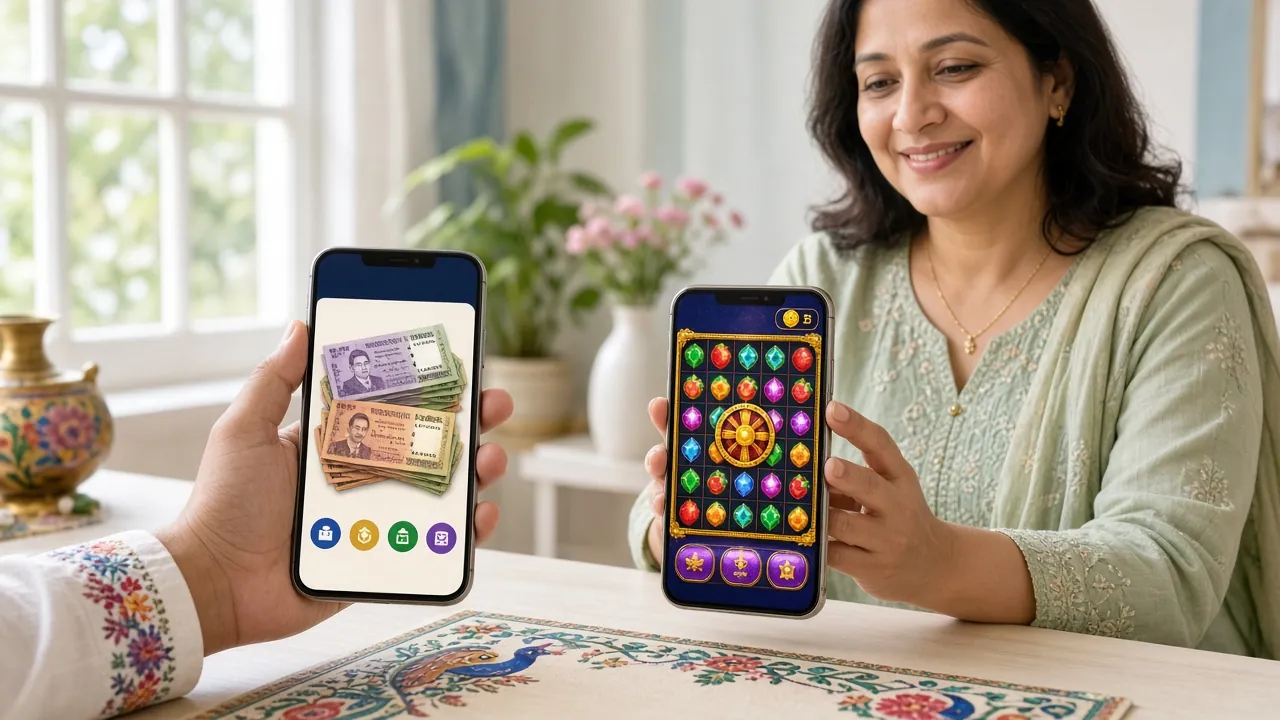
Which Mobile Wallet Fits Your Situation
All four methods reach the same minimum deposit of ৳500. The difference is speed, daily limits and how widely the app is used in your area.
bKash is the first choice for most players simply because almost everyone in Bangladesh already has an account. It is ideal for everyday amounts and works instantly from any Android or iOS phone. If this is your first time depositing, start here — the interface is familiar and confirmation is fast.
- Min Deposit
- ৳500
- Arrival
- ~5 min
Nagad is operated under Bangladesh Post Office, which gives some players extra confidence. Send Money fees are slightly lower than bKash in many cases. Good choice if you deposit mid-week and want to keep transfer costs down. Arrival time matches bKash at around 5 minutes.
- Min Deposit
- ৳500
- Arrival
- ~5 min
Rocket is Dutch-Bangla Bank's mobile wallet — useful if you already have a DBBL account. It tends to be more popular outside Dhaka. If bKash and Nagad are both showing a network issue late at night, Rocket is a reliable backup. The deposit flow is the same and arrival is around 5 minutes.
- Min Deposit
- ৳500
- Arrival
- ~5 min
Bank Transfer suits players who want to move a larger amount in one go or who prefer not to use a mobile wallet. Processing can take longer than mobile options depending on your bank and time of day. Use this method when you have already topped up once and want a bigger session bankroll without hitting wallet limits.
- Min Deposit
- ৳500
- Arrival
- Varies
Keep Your Wallet Safe While Depositing
Mobile wallet fraud is a real problem in Bangladesh. These are the rules every 7u772 player should follow every time they add funds — not just once.
-
Never share your wallet PIN or OTP with anyone — not even if they claim to be from bKash, Nagad or 7u772 support. No legitimate support agent ever asks for your PIN.
-
Send money only to the number shown on the 7u772 deposit page at the moment you submit your request. The number can rotate — always refresh and read it fresh each time.
-
Take a screenshot the moment your wallet confirms the transfer. Save it until your balance has been credited and your first withdrawal goes through cleanly.
-
Write down or copy the TrxID before you close the confirmation screen. This is the only proof of your transaction and is required if you need to contact support.
-
Ignore any phone call, SMS or WhatsApp message offering to help you deposit faster or claiming your account has a problem. These are almost always scams targeting online players.
-
Do not use a shared device or public Wi-Fi when depositing. If your phone is being watched by another app or person, your wallet credentials are at risk.
Money Not Showing Up? Here Is What to Check
Most deposit issues are fixed in a few minutes once you know the cause. Expand each problem below to read the likely reason and what to do next.
I sent the money but my 7u772 balance has not changed after 10 minutes
My bKash transfer went through but I entered the wrong TrxID
I tried to withdraw but the system says my deposit is unverified
My deposit amount was below ৳500 and the transaction failed
I sent money to the wrong number
My bank transfer has not arrived after a few hours
What Players Actually Do in Different Situations
Not every player deposits the same way. Here are four common situations and the method that works best for each — all using real limits from the 7u772 account rules.
| Situation | Recommended Method | Amount Range | What to Do |
|---|---|---|---|
| New player, first deposit Wants to try with a small amount and claim the welcome bonus |
bKash | ৳500 minimum | Register, go to Deposit, pick bKash, send ৳500 via Send Money. Submit TrxID. The 250% first deposit bonus applies automatically up to ৳19,500. |
| Phone-only player No laptop, uses the 7u772 Android app exclusively |
Nagad or bKash | ৳500 and up | Download the app (58 MB, Android 7.0+). The deposit page works the same way in-app. Switch between bKash and Nagad apps using the recent-apps button — no laptop needed. |
| Weekend cricket session Match night, wants to add funds quickly before the game starts |
bKash or Nagad | ৳500 – ৳5,000 | Wallets credit in about 5 minutes — well before a T20 innings ends. Submit the TrxID straight away so the balance is live by the time the toss happens. |
| High-volume player Wants to move a larger amount without hitting wallet daily limits |
Bank Transfer | Large single amount | Use Bank Transfer when wallet limits are a constraint. Note that daily withdrawal limit is ৳55,000 at Bronze tier and rises with VIP level. Plan deposit size accordingly. |
How Deposits Work — Five Clear Steps
Every payment method follows this same sequence. Open the 7u772 app or website, pick your wallet, and your balance is usually ready within five minutes.
-
1Log in to Your 7u772 Account
Open the 7u772 website at 7u772.cam or launch the Android app (v3.0.10). Enter your username and password. New here? Registration takes about two minutes at 7u772 Register before you can deposit.
-
2Open the Deposit Page
Tap Deposit in the top menu or the wallet icon inside your account dashboard. A list of available payment methods — bKash, Nagad, Rocket, Bank Transfer — will appear instantly.
-
3Choose a Method and Enter Your Amount
Select bKash, Nagad, Rocket, or Bank Transfer. Type how much you want to deposit — the minimum is ৳500 for any single transaction. The page will display the exact number to send your money to. Keep that screen open.
-
4Send Money from Your Wallet App
Switch to your bKash, Nagad, or Rocket app and use Send Money to the number shown. Confirm with your wallet PIN (not any 7u772 password). Once the transfer goes through, copy the Transaction ID (TrxID) from the confirmation screen.
-
5Submit the TrxID and Confirm
Return to the 7u772 deposit page, paste the TrxID into the confirmation field, and tap Submit. Funds normally appear in your balance within five minutes. If nothing shows up after ten minutes, check the troubleshooting section below or contact 24/7 Live Chat.
Questions About 7u772 Deposits
What is the minimum I can deposit into 7u772?
How long does a 7u772 deposit take to show in my balance?
Does depositing with a specific method affect my withdrawal options?
Can I deposit using someone else's bKash account?
I deposited to claim the welcome bonus. What are the wagering rules?
Is my payment information stored on 7u772's servers?
Ready to Make Your First 7u772 Deposit?
Create a free account, pick your method and add ৳500 or more to unlock the welcome offer. The whole process takes about two minutes.
18+ only · Play Responsibly · Minimum deposit ৳500 · Wagering applies